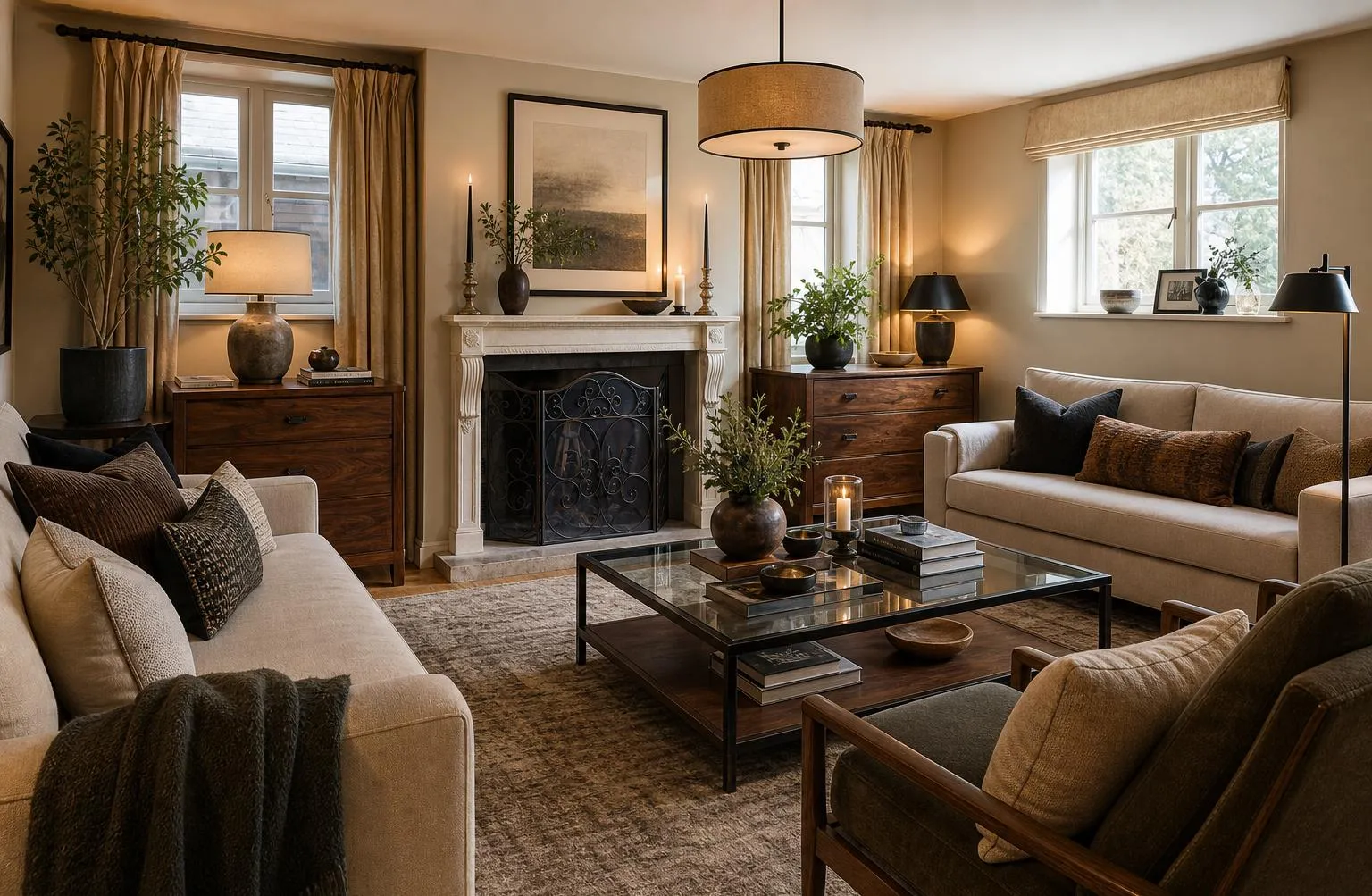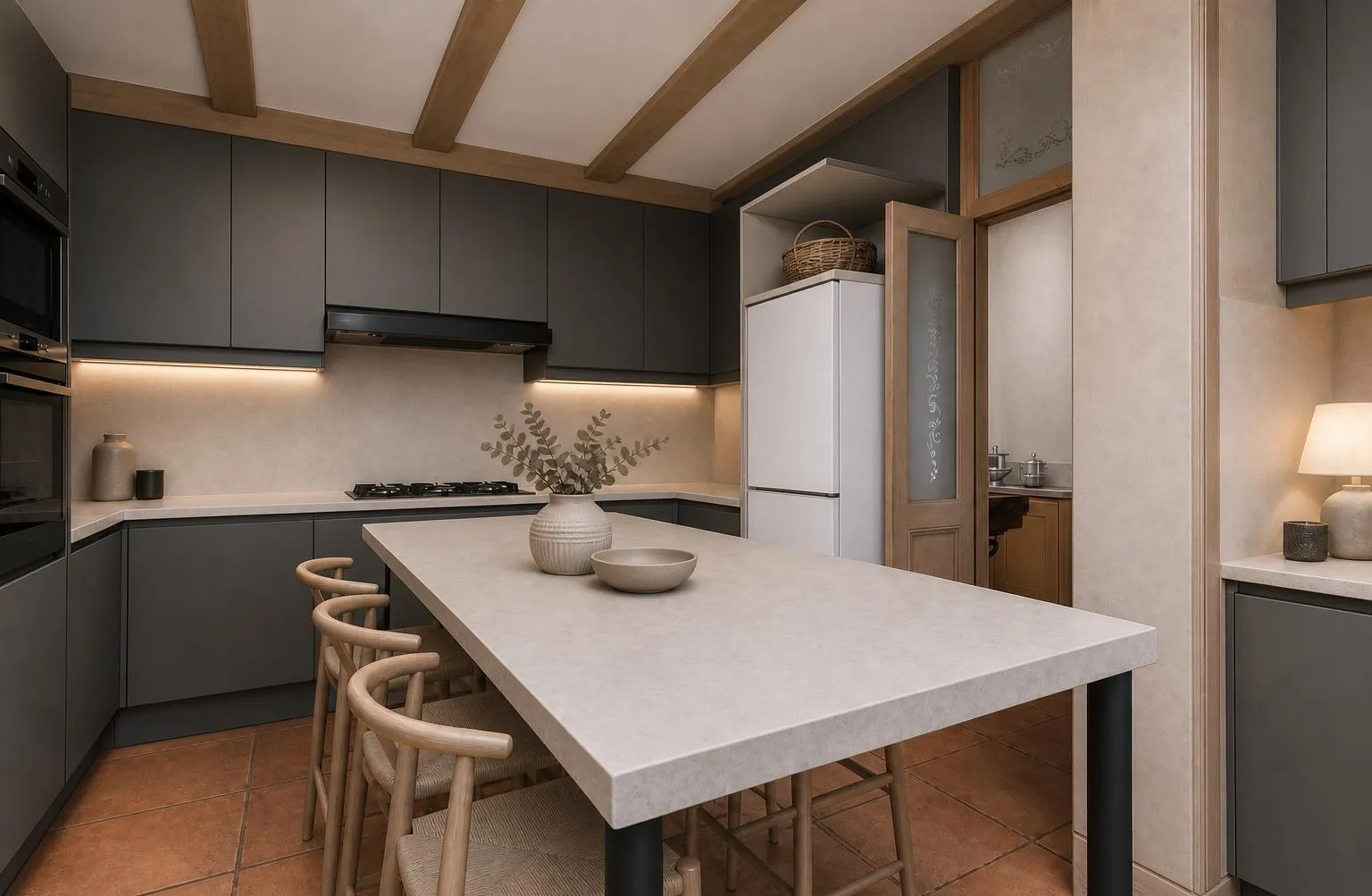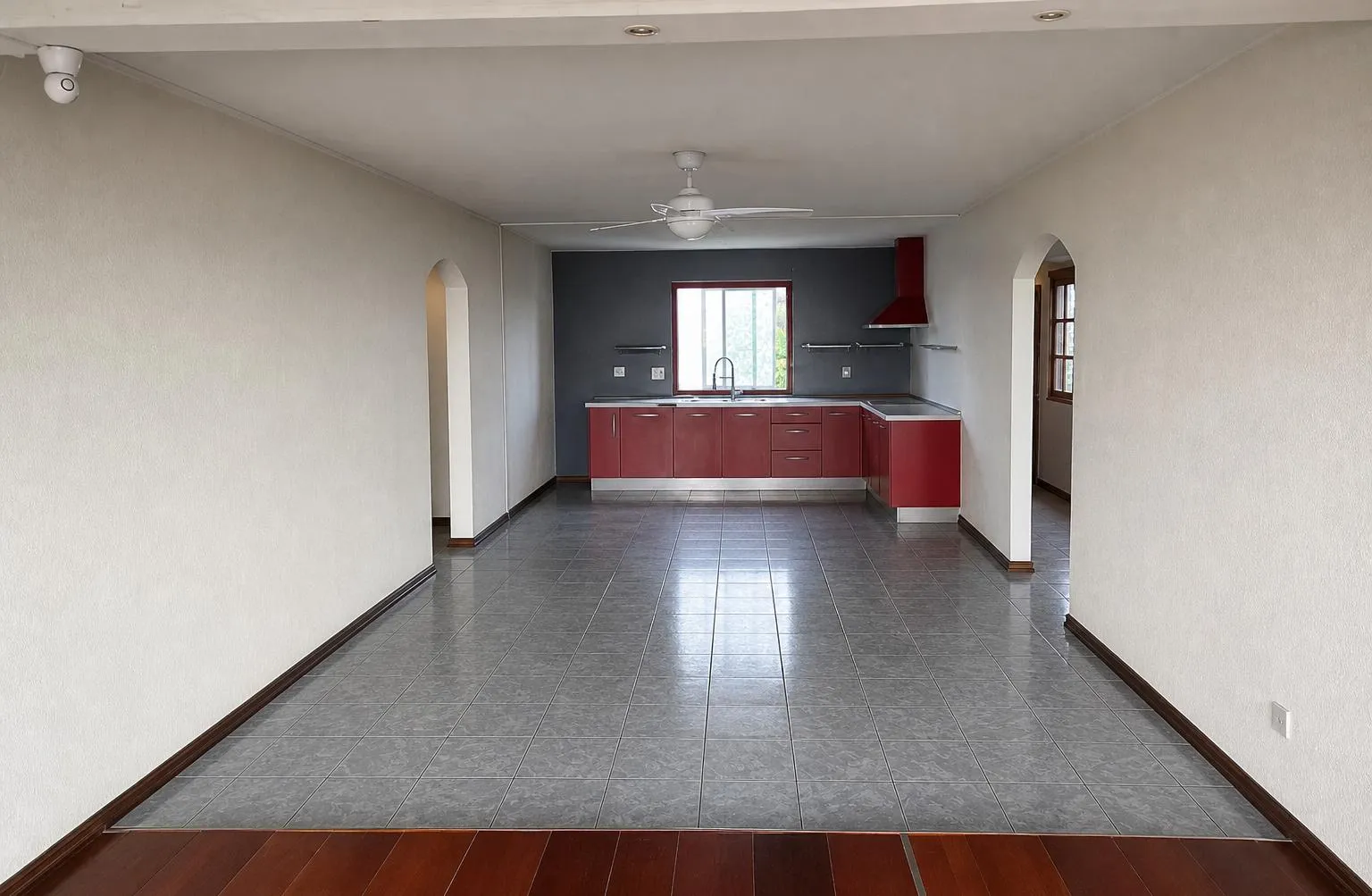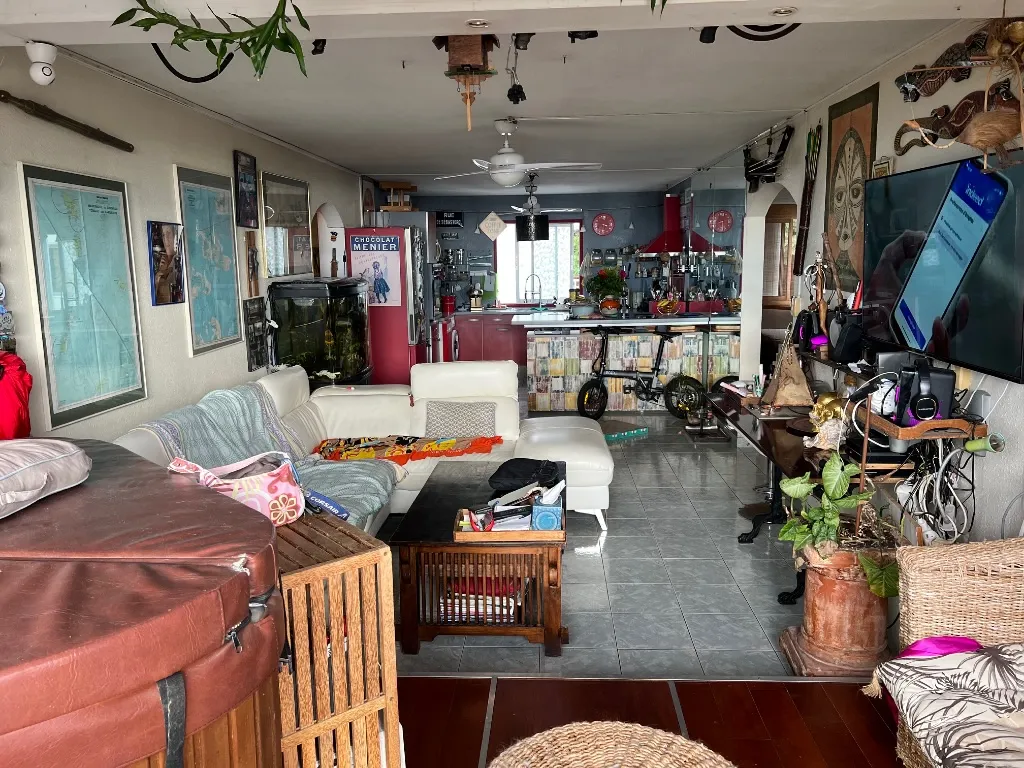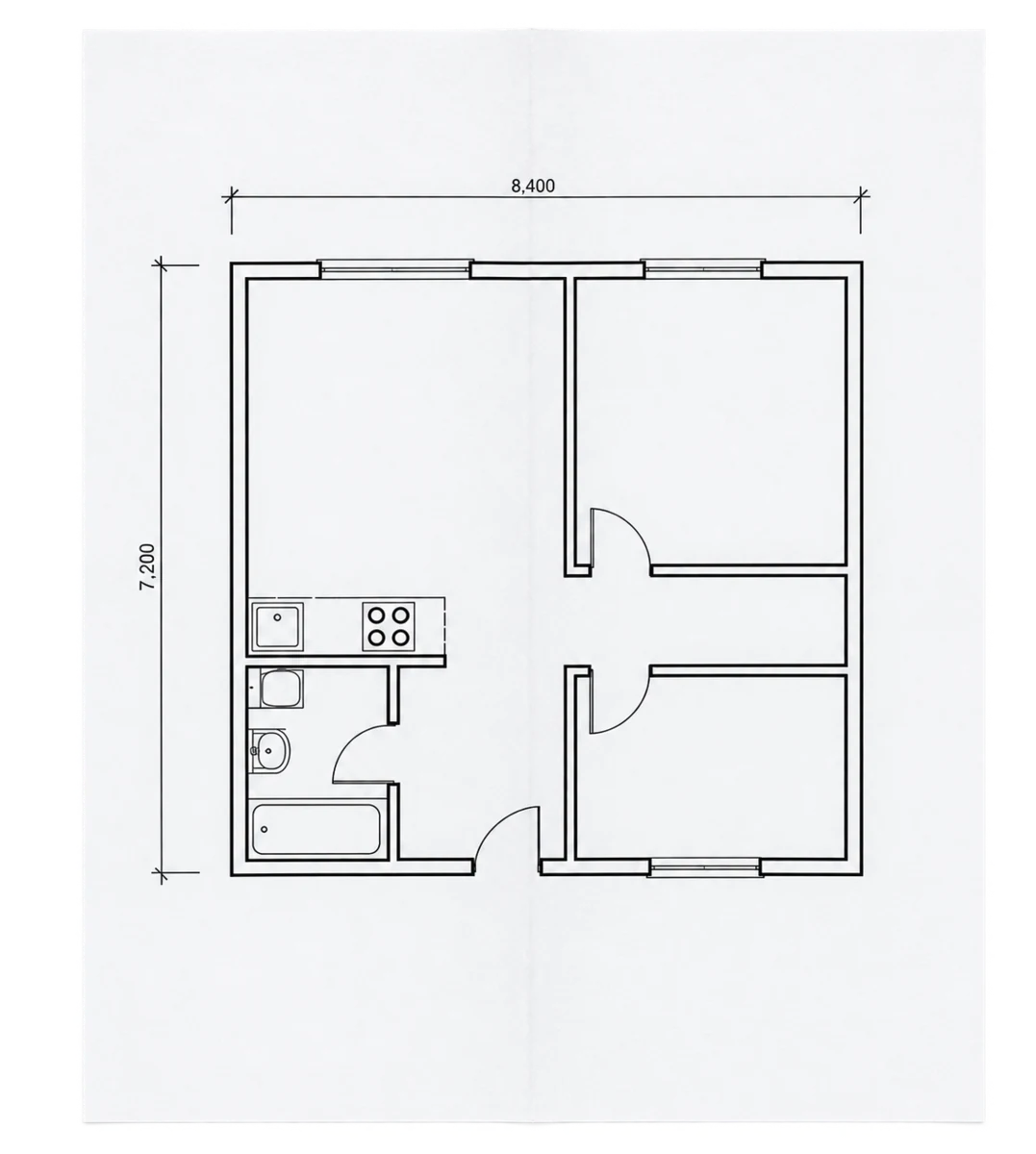

The photo stays. The room changes.

Furnish, empty or restyle any interior photo — in one sentence. Listings people want to click, with no studio and nothing moved.

From a photo to a room you decide on.

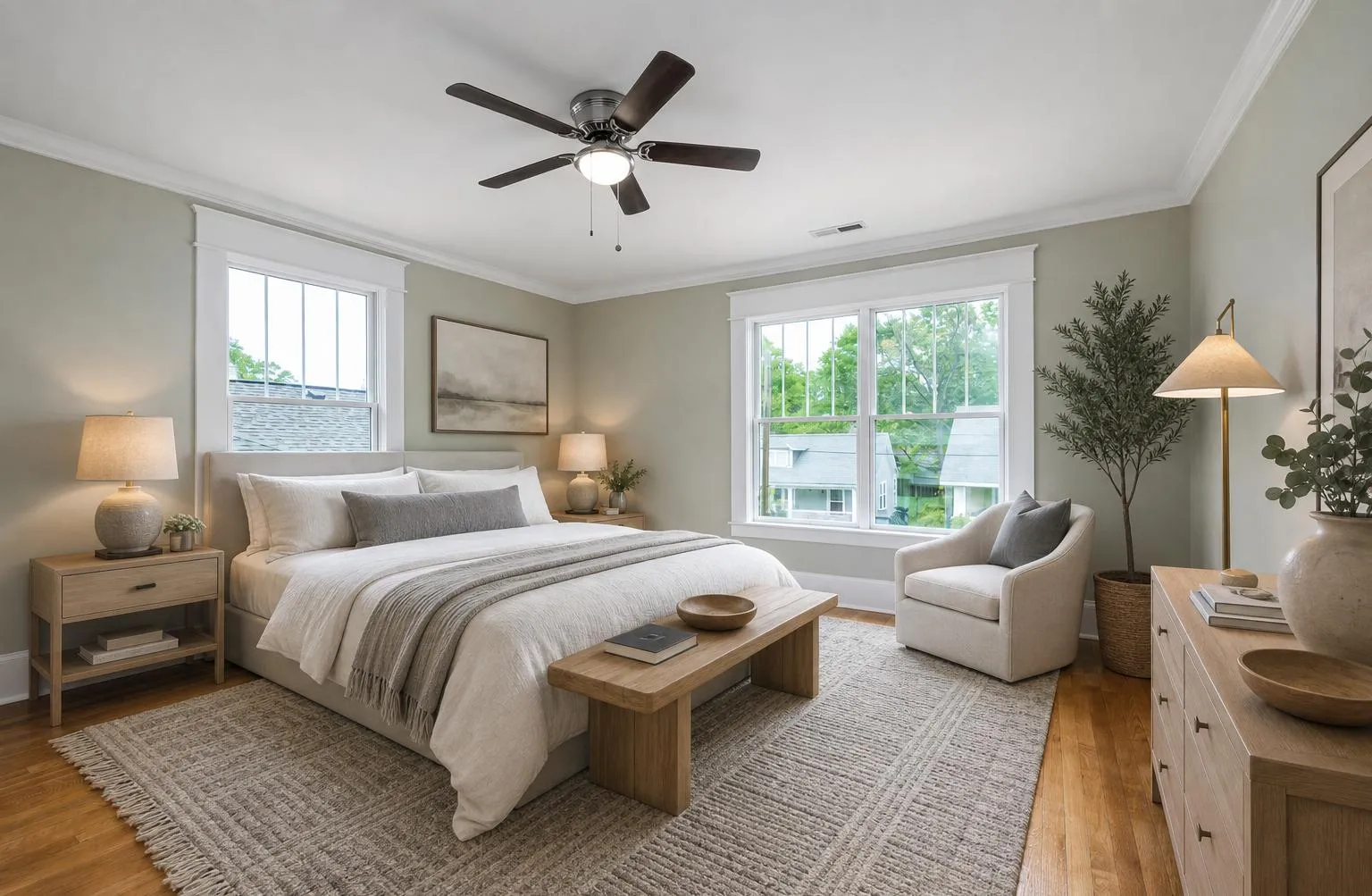
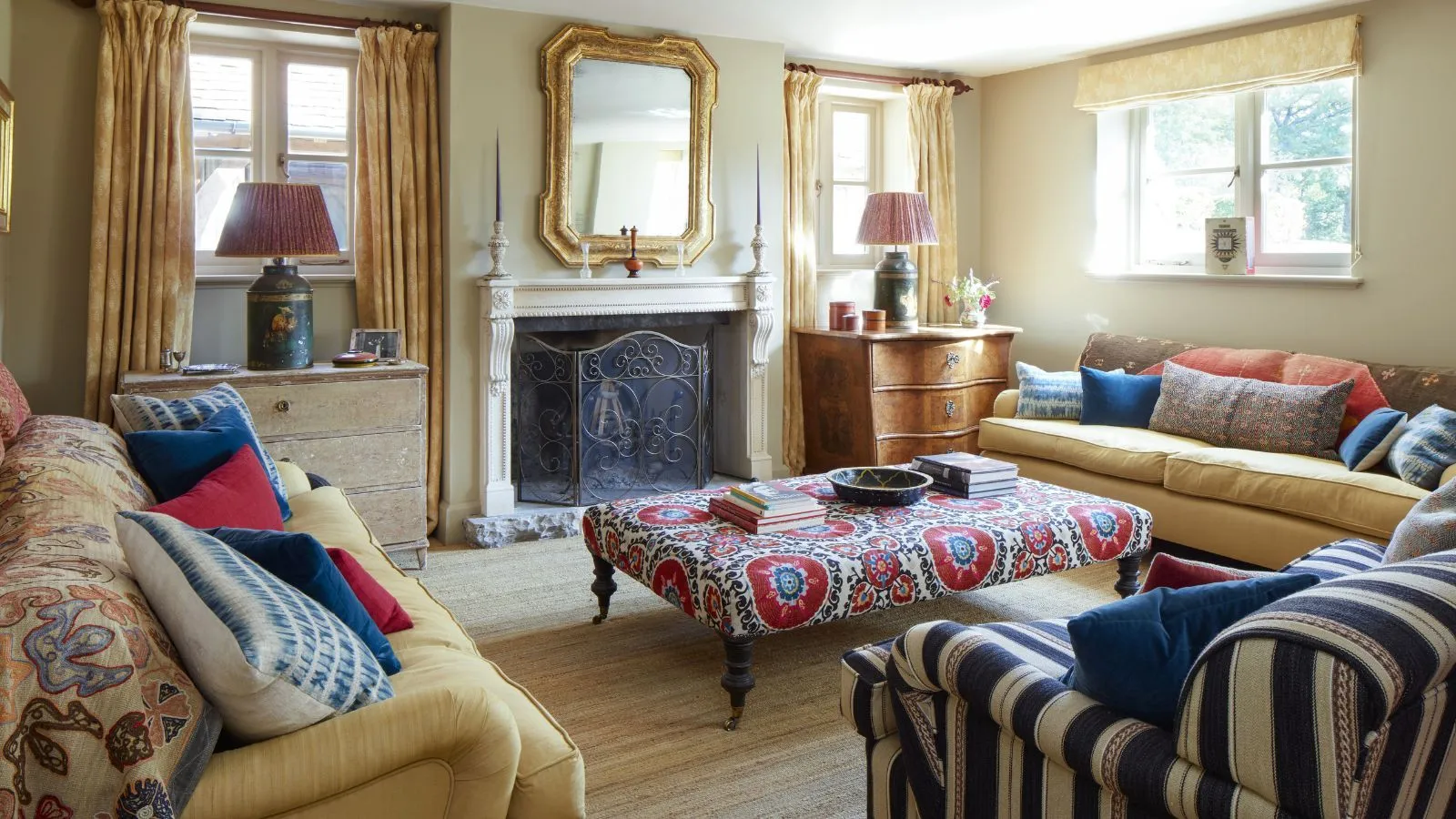
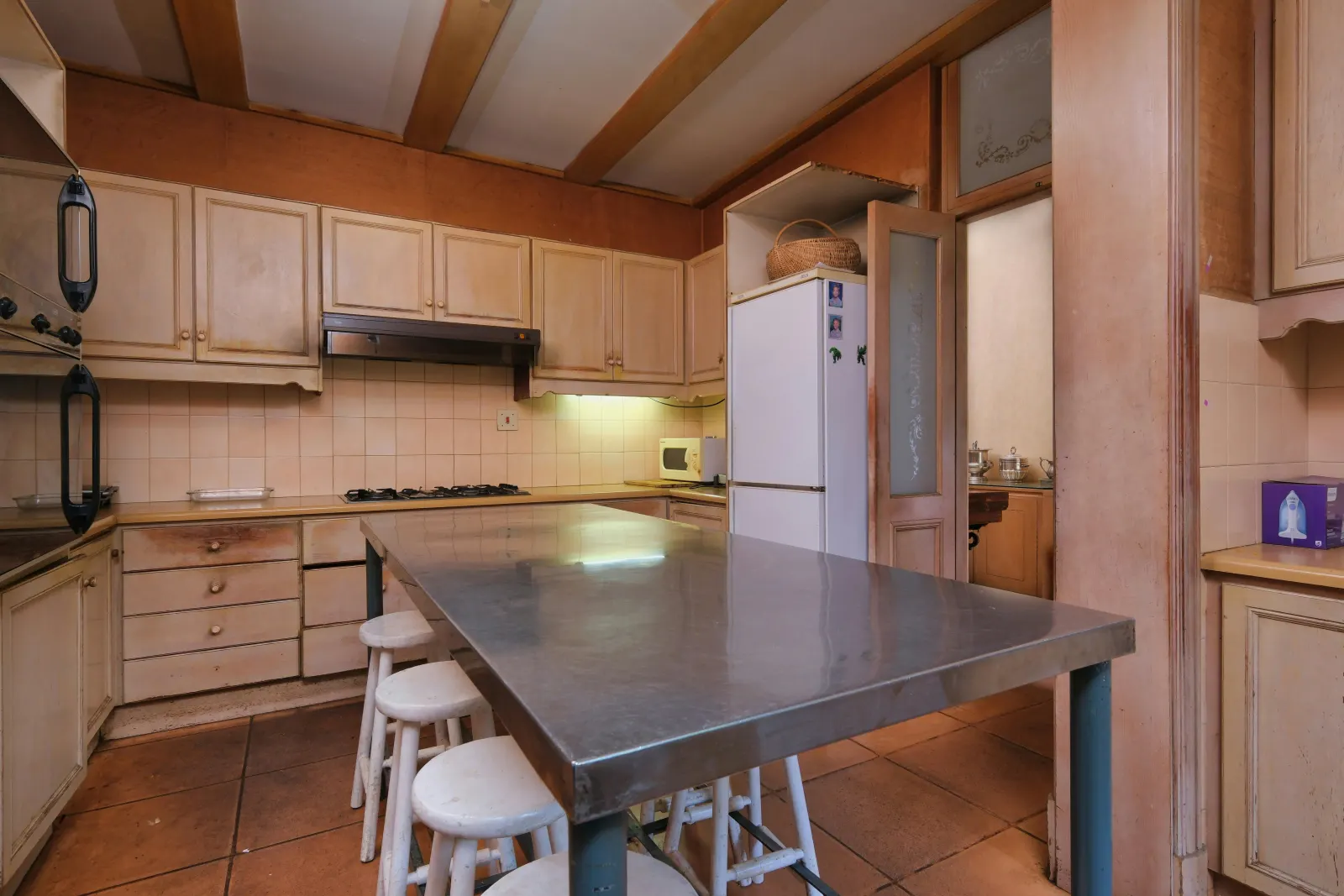
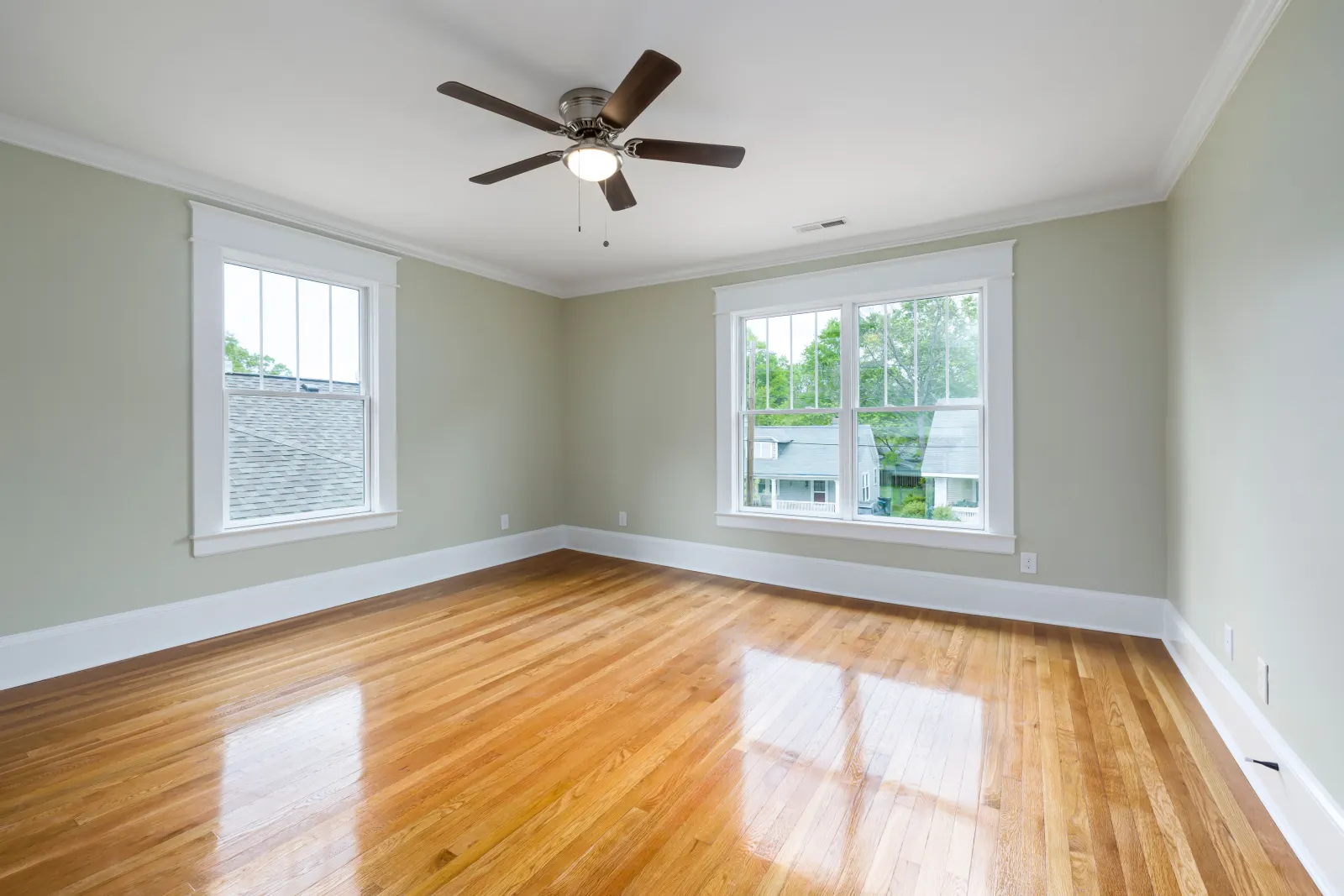
From photo to render. The pairs below are real output from the product.

The photo

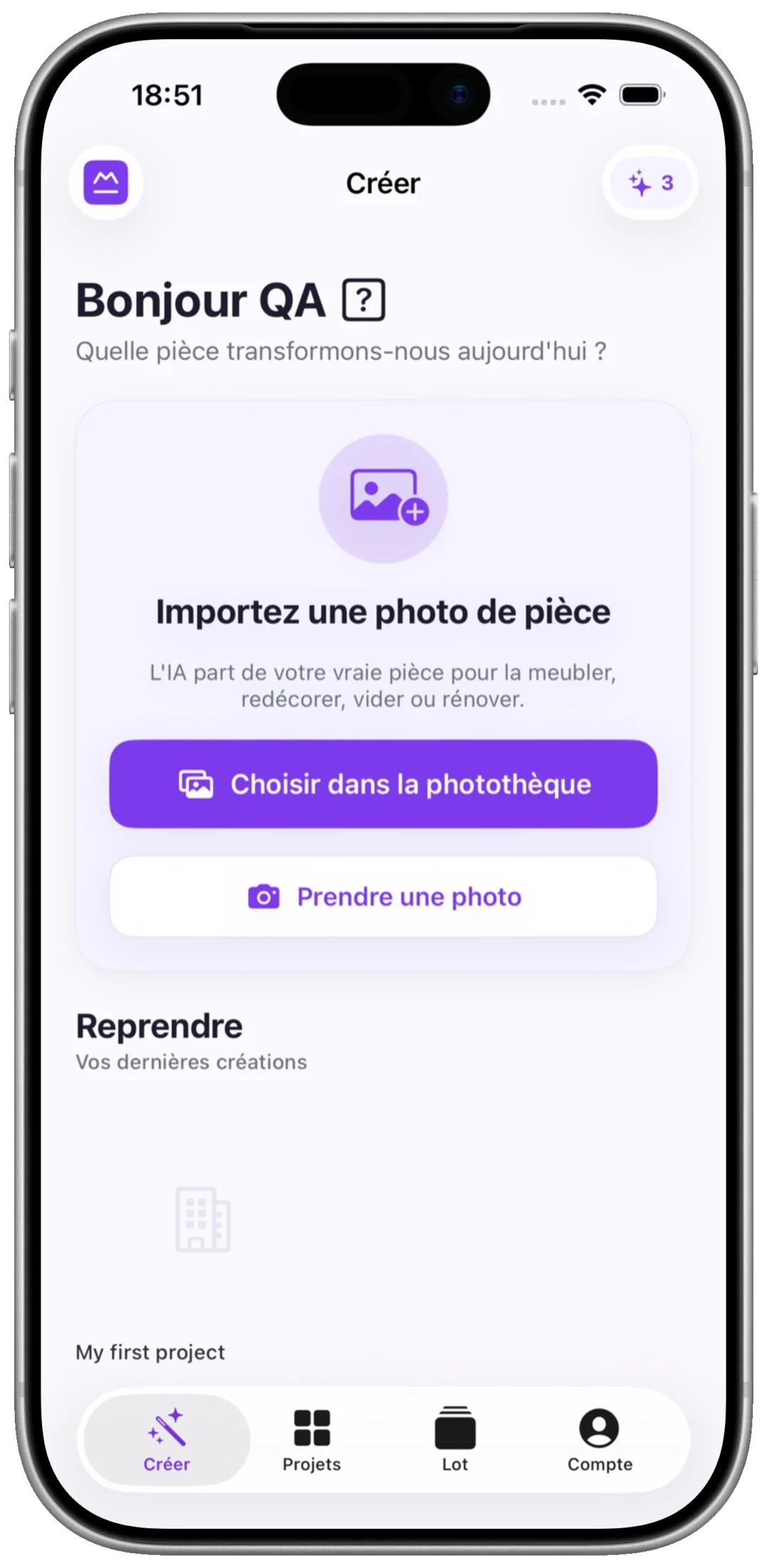
Empty or already furnished. The AI reads the architecture, the light and the volumes before proposing anything.

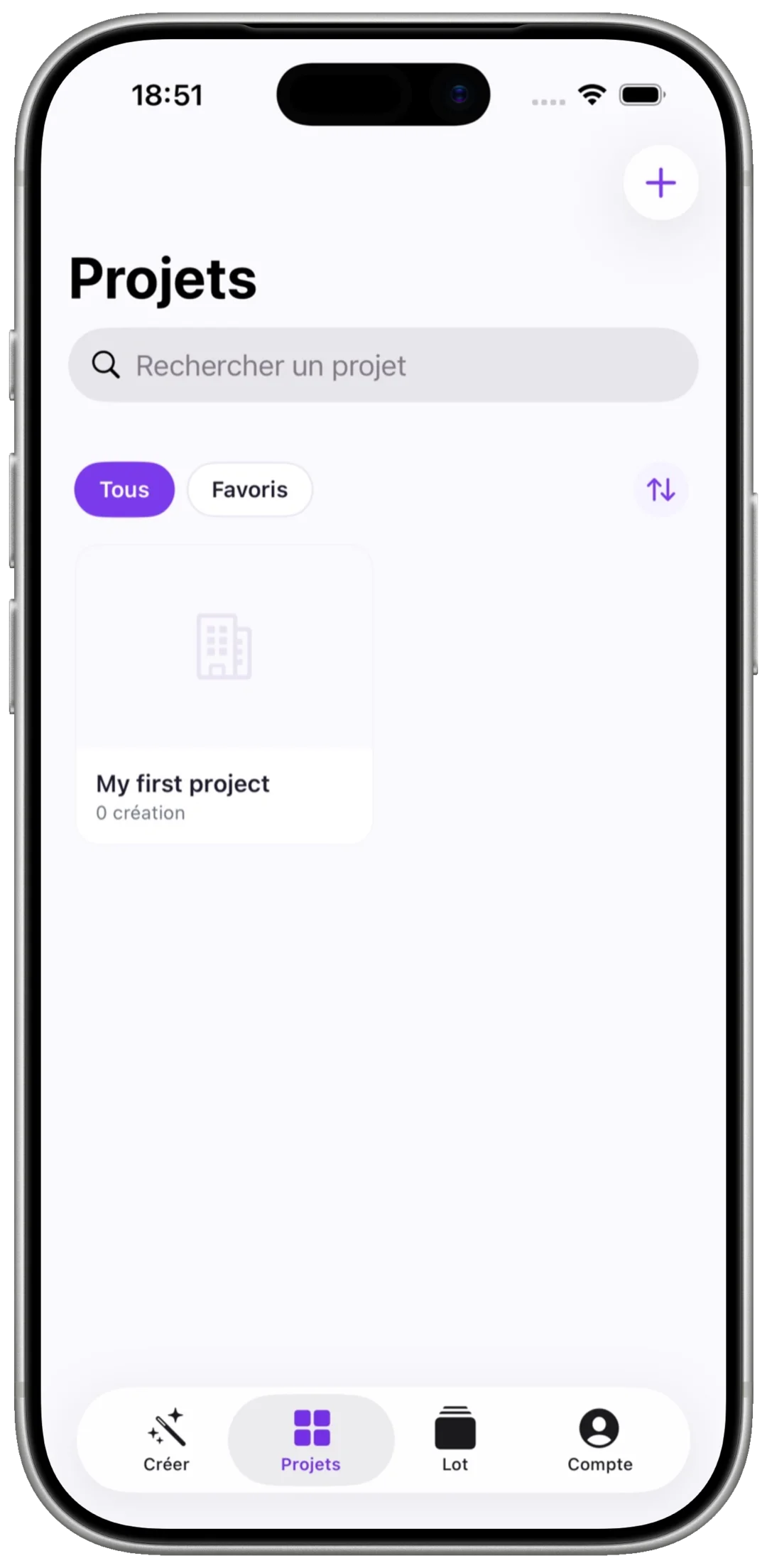
Nouvelle pièceanalyse IA
Photo de la piècevide ou meublée · JPG, PNG
Architecture détectéeLumière & volumes analysés

Une photo suffit — vide ou déjà meublée

The render

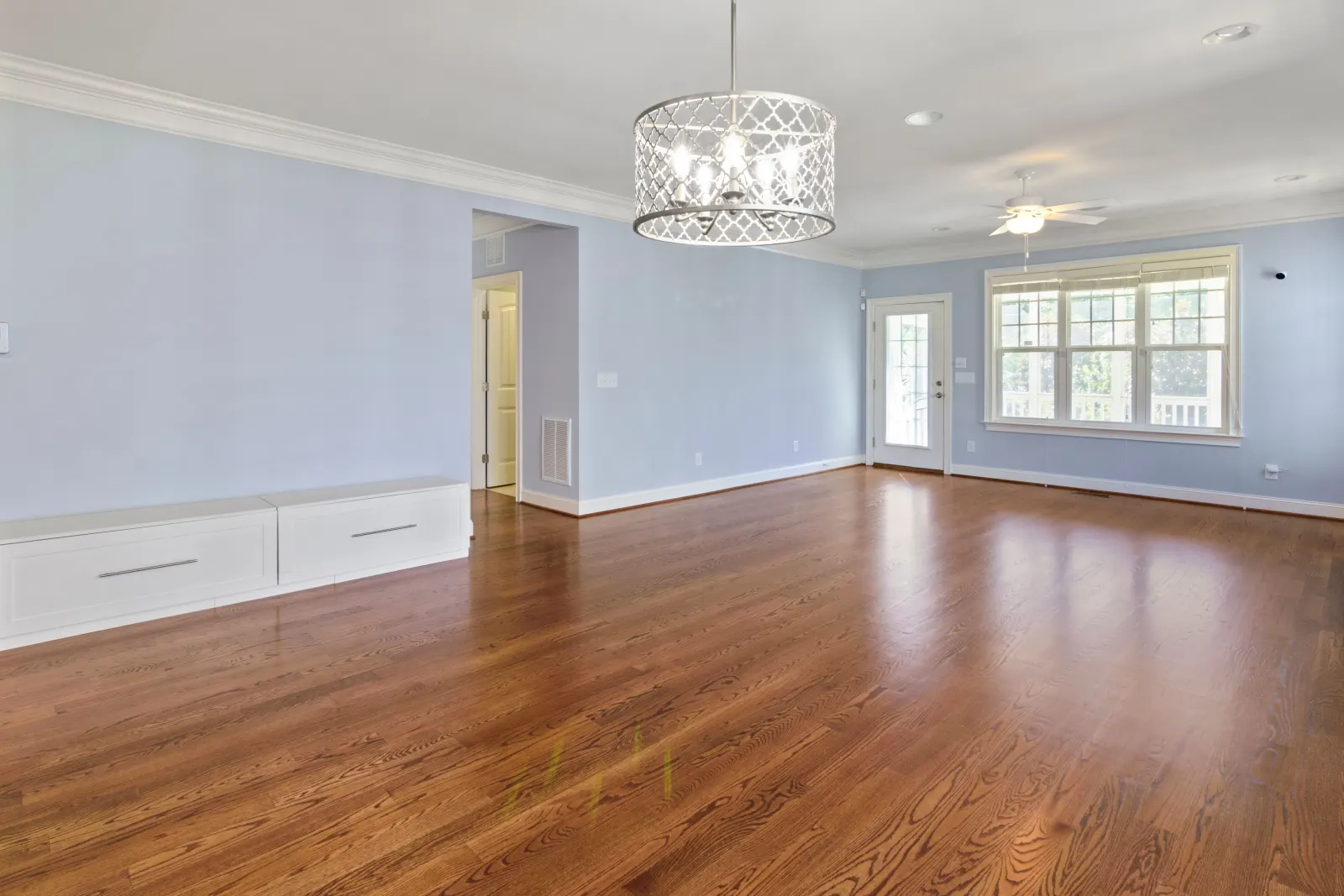
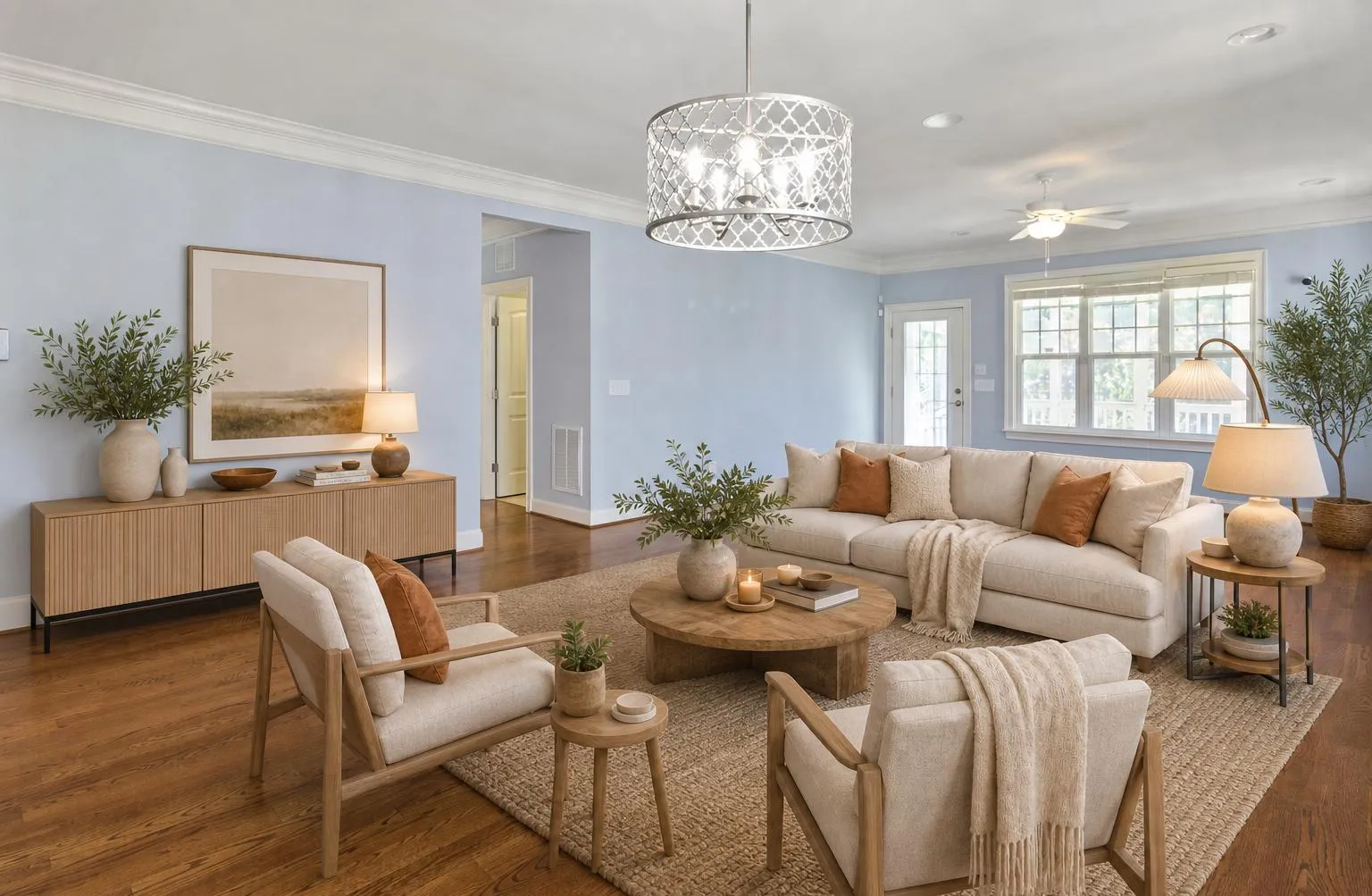
The same room, furnished differently. Walls, windows and volumes stay exactly where you photographed them.

Avant / aprèsIA fidèle
avant
après

Calé sur la géométrie réelle — pas une image inventée

Un salon vide, puis meublé — Avant
Avant
Un salon vide, puis meublé — Après
Après
The render

Clean renders, ready to use.

Anchored to the room’s real geometry — not an invented image that matches nothing. Export them as they are: to decide, to present, to publish.

  • True to the photographed architecture
  • The original is never overwritten
  • Preview before export
Lot · annonce50 photos
+45
Tri par pièceExport groupé
Listing gallery

Up to 50 photos, in one batch.

Import the whole viewing at once, tag each photo by room, get the transformed batch back — in the time it takes to make a coffee.

  • Labels per room, for a tidy export
  • Retouch photo by photo, without re-running the batch
  • Bulk export, in a single archive

And there’s more.

MORYA Home also gives you:

Home staging virtuelrendu réel
avant
après

Sortie du produit — aucune illustration

Ajouter du mobilierrendu réel
avant
après

Sortie du produit — aucune illustration

Vider une piècerendu réel
avant
après

Sortie du produit — aucune illustration

Suppression d’objetsrendu réel
avant
après

Sortie du produit — aucune illustration

Redesign de pièces meubléesrendu réel
avant
après

Sortie du produit — aucune illustration

Remplacer du mobilierrendu réel
avant
après

Sortie du produit — aucune illustration

Rafraîchir le mobilierrendu réel
avant
après

Sortie du produit — aucune illustration

Repeindre les mursrendu réel
avant
après

Sortie du produit — aucune illustration

Rénovation intérieurerendu réel
avant
après

Sortie du produit — aucune illustration

Restyler les surfacesrendu réel
avant
après

Sortie du produit — aucune illustration

Changer la fonction d’une piècerendu réel
avant
après

Sortie du produit — aucune illustration

Built for privacy.

Your data belongs to you. We never sell it, and we protect it with proven security standards.

  • Hébergé en France
  • Conforme RGPD

Questions fréquentes

How does AI home staging work?

Upload a photo of your room (empty or furnished). Our AI analyses the geometry, removes the existing furniture if needed, then generates a new design in the style you chose — in under a minute.

How do the monthly credits work?

Every plan tops up your credits each month (20, 75 or 320 designs depending on the plan). Credits renew with each period — cancel any time, no commitment.

Can I use the images in my listings?

Absolutely. The generated images (watermark-free as soon as you subscribe) are yours, and optimised for property portals (SeLoger, LeBonCoin, and the rest).

Can I steer the furniture style?

Yes. You can specify a mood, a budget range, constraints (“no leather”…) or paste a reference mood board. The AI furnishes the room accordingly, without touching its architecture.

Can I process a whole listing at once (photo batch)?

Yes — batch mode takes up to 50 photos at a time: room tags, serial generation and a grouped export (.zip). Built for agents and teams publishing complete listings.

Which plan suits my work?

Free to try (3 designs). Starter (20/month) for occasional use, Pro (75/month) for agents and decorators working regularly, Agence (320/month) for volume and batch mode. No commitment, cancel any time.

Is MORYA Home part of the MORYA ecosystem?

Yes. MORYA Home is one module of the MORYA property intelligence platform. One account gives you every tool.

Get started

Drop in a photo. See the room.

Drop in a photo of an empty room and see what it becomes. The first three renders are watermarked; the watermark goes with your first purchase.

Creating a design